iOS 15.8.7 Released: Crucial Security Update for Older iPhones and iPads
Apple has once again demonstrated its unwavering commitment to user security across its entire ecosystem, including its vast array of legacy devices. The recent release of iOS 15.8.7 (and its iPadOS counterpart, iPadOS 15.8.7) on March 11 brings forth a critical suite of security fixes designed specifically for older iPhone and iPad models that are unable to update to the latest iOS 16 or iOS 17 versions. This update is not merely routine; it addresses severe vulnerabilities that could potentially allow malicious actors to compromise your device and data. For millions still relying on these trusted older devices, installing iOS 15.8.7 is an absolutely essential step to safeguard their digital lives.
This comprehensive update ensures that even devices like the venerable iPhone 6s and the versatile iPad Air 2 remain protected against sophisticated threats. It highlights Apple's enduring support for its hardware, proving that "older" doesn't necessarily mean "unprotected." Let's dive into the specifics of what iOS 15.8.7 patches and why you should update without delay.
Understanding the Critical Security Patches in iOS 15.8.7
The iOS 15.8.7 update targets several high-severity vulnerabilities, primarily within the Kernel and WebKit components. These are fundamental parts of your device's operating system and web browser engine, respectively, making any exploits against them particularly dangerous. The fixes included in iOS 15.8.7 were previously rolled out to newer iOS versions (like iOS 17, iOS 17.3, iOS 16.6, and iOS 17.2), and are now being backported to ensure older devices benefit from the same level of protection.
Kernel Vulnerability: Preventing Arbitrary Code Execution
One of the most significant fixes in iOS 15.8.7 addresses a Kernel vulnerability identified as CVE-2023-41974. The Kernel is the very core of your device's operating system, managing everything from memory to hardware. An exploit targeting the Kernel could allow an attacker to execute arbitrary code with kernel privileges. In simpler terms, this means a malicious app or attacker could gain complete, unrestricted control over your device, bypassing all standard security layers. This could lead to unauthorized access to sensitive data, installation of malware, or even rendering your device inoperable. This particular fix is associated with the "Coruna exploit," a known and actively exploited threat that Apple has been diligently combating across its platforms. The underlying issue was a "use-after-free" bug, which was effectively resolved by implementing improved memory management.
WebKit Vulnerabilities: Guarding Your Browsing Experience
The update also includes multiple crucial patches for WebKit, the powerful browser engine that drives Safari and is responsible for rendering all web content within apps on your Apple device. These vulnerabilities could lead to serious compromises through maliciously crafted web content:
- CVE-2024-23222: Type Confusion. This vulnerability could allow an attacker to execute arbitrary code simply by processing a specially designed web page. Apple addressed this with improved type checks, closing a dangerous pathway for attackers. This critical fix, also linked to the "Coruna exploit," was initially shipped in iOS 17.3 for newer devices.
- CVE-2023-43000: Memory Corruption (Use-after-free). Another "use-after-free" issue, this flaw could lead to memory corruption when your device processes malicious web content. Improved memory management now prevents this exploit, a crucial fix previously seen in iOS 16.6.
- CVE-2023-43010: Memory Corruption (Improved Handling). Similar to the above, this WebKit vulnerability could also result in memory corruption from crafted web content. Apple addressed this by enhancing memory handling, a solution first delivered to newer devices in iOS 17.2.
These WebKit fixes are especially important because browsing the internet or interacting with web-based content in apps is a daily activity for most users. Failing to update could expose users to drive-by downloads, sophisticated phishing attacks, and other web-based threats designed to steal data or compromise device integrity. For a more detailed breakdown of these specific patches, you can refer to our article: Update Now: iOS 15.8.7 Patches Kernel and WebKit Vulnerabilities.
Why iOS 15.8.7 is Essential for Legacy Apple Devices
The release of iOS 15.8.7 underscores Apple's sustained commitment to the security of its older hardware. Many users worldwide continue to rely on devices that, while still highly functional, no longer support the very latest iOS versions. These include a range of popular models:
- iPhone 6s (all models)
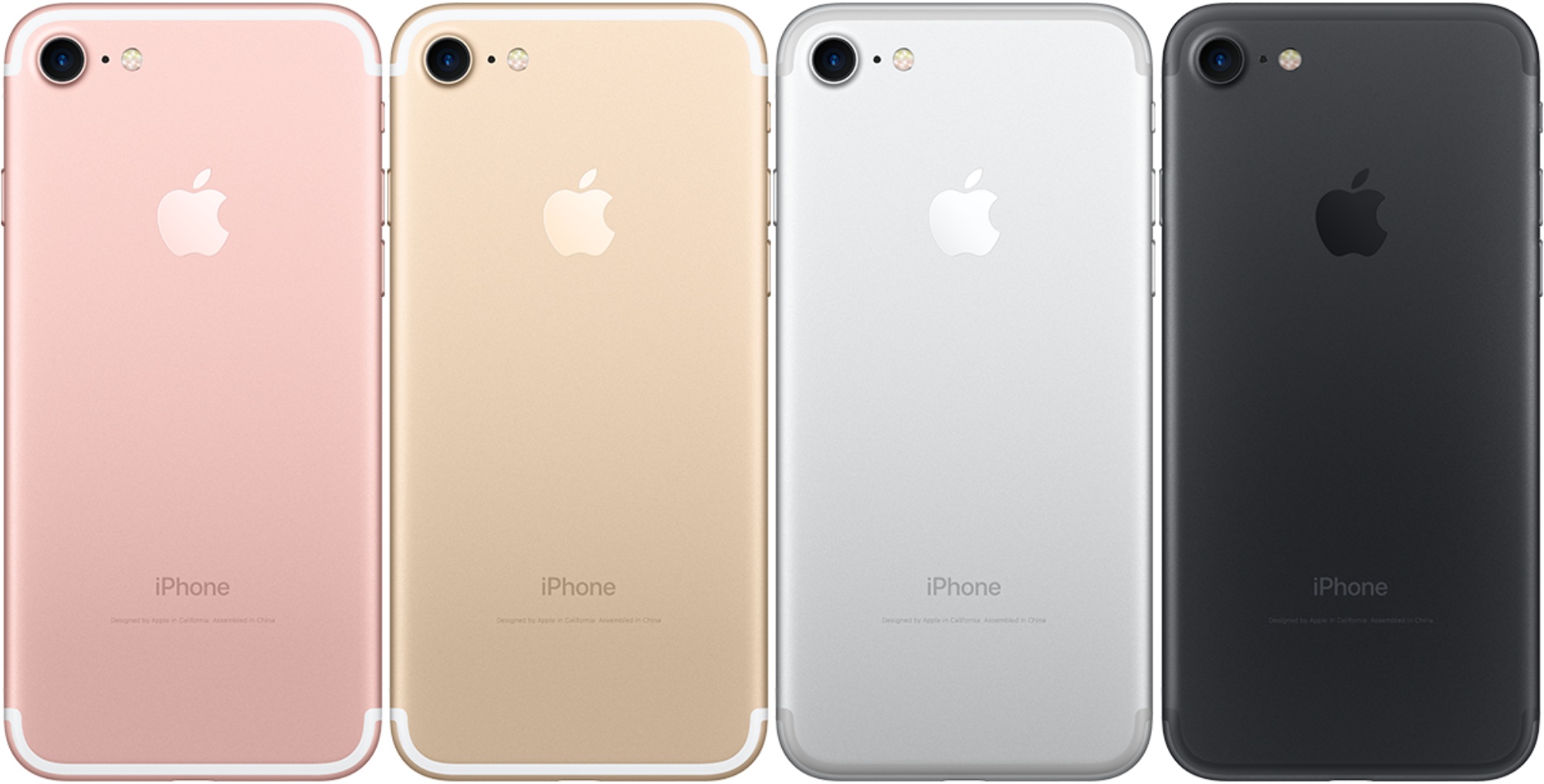
- iPhone 7 (all models)
- iPhone SE (1st generation)
- iPad Air 2
- iPad mini (4th generation)
- iPod touch (7th generation)
Without vital updates like iOS 15.8.7, these devices would become increasingly vulnerable over time, creating a dangerous security gap for users who aren't ready or able to upgrade their hardware. Apple's strategy of backporting critical security fixes ensures that these devices remain viable and secure for as long as possible, truly extending their useful lifespan. It's a testament to the longevity and inherent value proposition of Apple products.
Ignoring this update puts your personal data, online banking, communications, and overall digital privacy at significant risk. These aren't minor bugs; they are vulnerabilities that could allow an attacker to take control of your device or steal your sensitive information without your knowledge. Keeping your software updated is the single most effective step you can take to protect yourself in the digital world, regardless of your device's age.
How to Download and Install iOS 15.8.7
Updating your device to iOS 15.8.7 is a straightforward process, but it's crucial to follow a few best practices to ensure a smooth transition. Before you begin, always back up your iPhone or iPad. This can be done conveniently via iCloud (Settings > [Your Name] > iCloud > iCloud Backup) or by connecting your device to a computer and using Finder (on macOS Catalina or later) or iTunes (on older macOS or Windows).
Once your backup is complete, you can initiate the update directly from your device:
- Open the "Settings" app on your iPhone or iPad.
- Tap on "General."
- Select "Software Update."
- Your device will check for available updates. If iOS 15.8.7 (or iPadOS 15.8.7) is available for your specific model, you will see an option to "Download and Install."
- Tap to begin the download. You may need to enter your device passcode to proceed.
- Once downloaded, confirm you want to install the update. Your device will then restart to complete the installation process.
Remember, this update is exclusively for the specific older models listed above. Newer devices will typically show iOS 16.7.x or iOS 17.x as their latest available software. Ensure you have a stable Wi-Fi connection and sufficient battery life (or keep your device plugged in) throughout the update process to prevent interruptions. For a detailed, step-by-step guide on the installation process, check out our dedicated article: How to Install iOS 15.8.7: Essential Security for Legacy Apple Devices.
Beyond the Update: Maintaining Device Security and Longevity
While installing iOS 15.8.7 is a vital immediate step, maintaining the security and performance of your older Apple device involves ongoing vigilance. Here are a few additional tips to keep your device safe and functional:
- Keep Apps Updated: Even with a secure operating system, outdated third-party apps can introduce their own vulnerabilities. Regularly check the App Store for updates and install them promptly.
- Be Wary of Suspicious Links and Emails: Phishing attempts are a constant threat. Always exercise caution and think before clicking links or opening attachments from unknown or suspicious senders.
- Use Strong, Unique Passwords: A robust password strategy, ideally using a reliable password manager, is crucial for protecting all your online accounts.
- Enable Two-Factor Authentication (2FA): Where available, 2FA adds an essential extra layer of security to your accounts, making it significantly harder for unauthorized users to gain access, even if they somehow obtain your password.
- Review App Permissions: Periodically check which apps have access to your location, photos, contacts, microphone, and other sensitive data, and revoke any unnecessary permissions.
- Consider Battery Health: While not directly a security tip, good battery health helps your device perform optimally and responsively, which can reduce the temptation to upgrade prematurely due to perceived performance issues.
These proactive practices, combined with timely OS updates like iOS 15.8.7, will significantly extend the useful and secure life of your beloved older iPhone or iPad, allowing you to continue using it with confidence.
Conclusion
The release of iOS 15.8.7 is a clear indicator that Apple takes the security of all its users seriously, regardless of their device's age. By patching critical Kernel and WebKit vulnerabilities, this update provides a vital shield against sophisticated exploits like "Coruna" for older iPhone 6s, iPhone 7, iPhone SE (1st gen), and compatible iPad and iPod touch models. Don't underestimate the importance of this update. Take a few moments today to back up your device and install iOS 15.8.7, ensuring your personal information and digital peace of mind remain intact. Your device, and your data, will undoubtedly thank you for it.